 Frayo
Capture anything
An area, a window or the whole screen, with an optional self-timer.
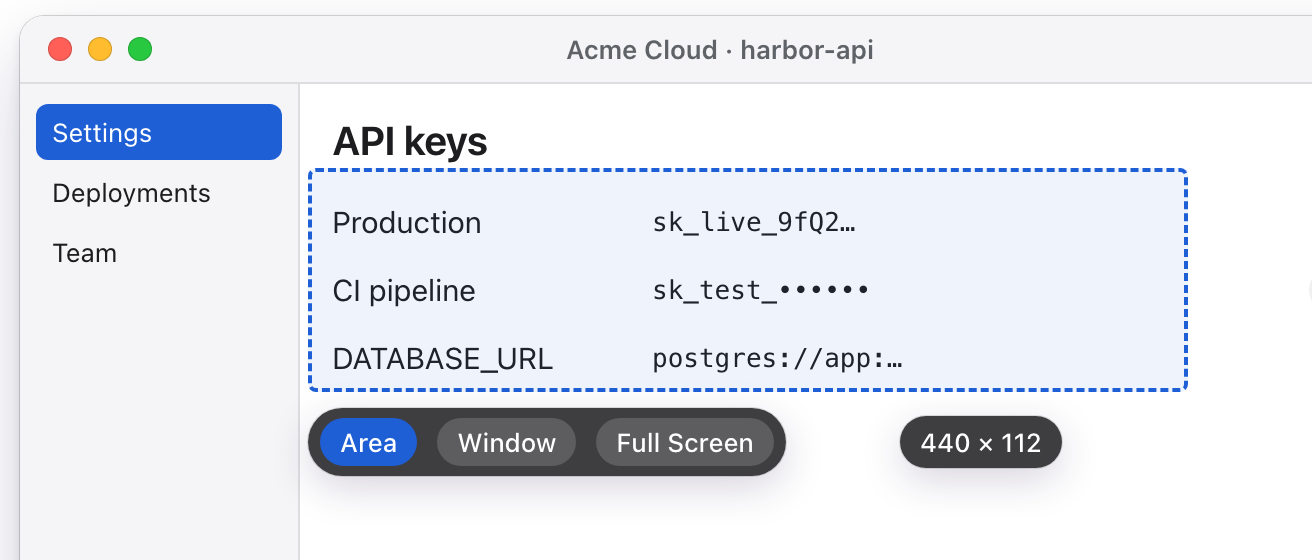
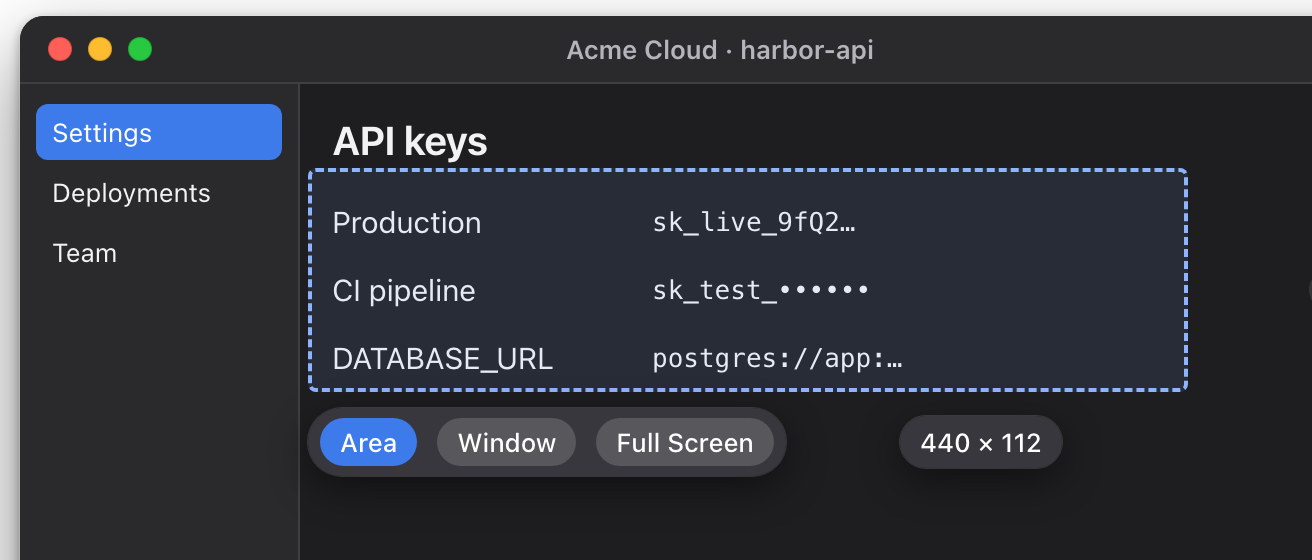
A small menu bar app for Mac. Best effort, so check before you share.
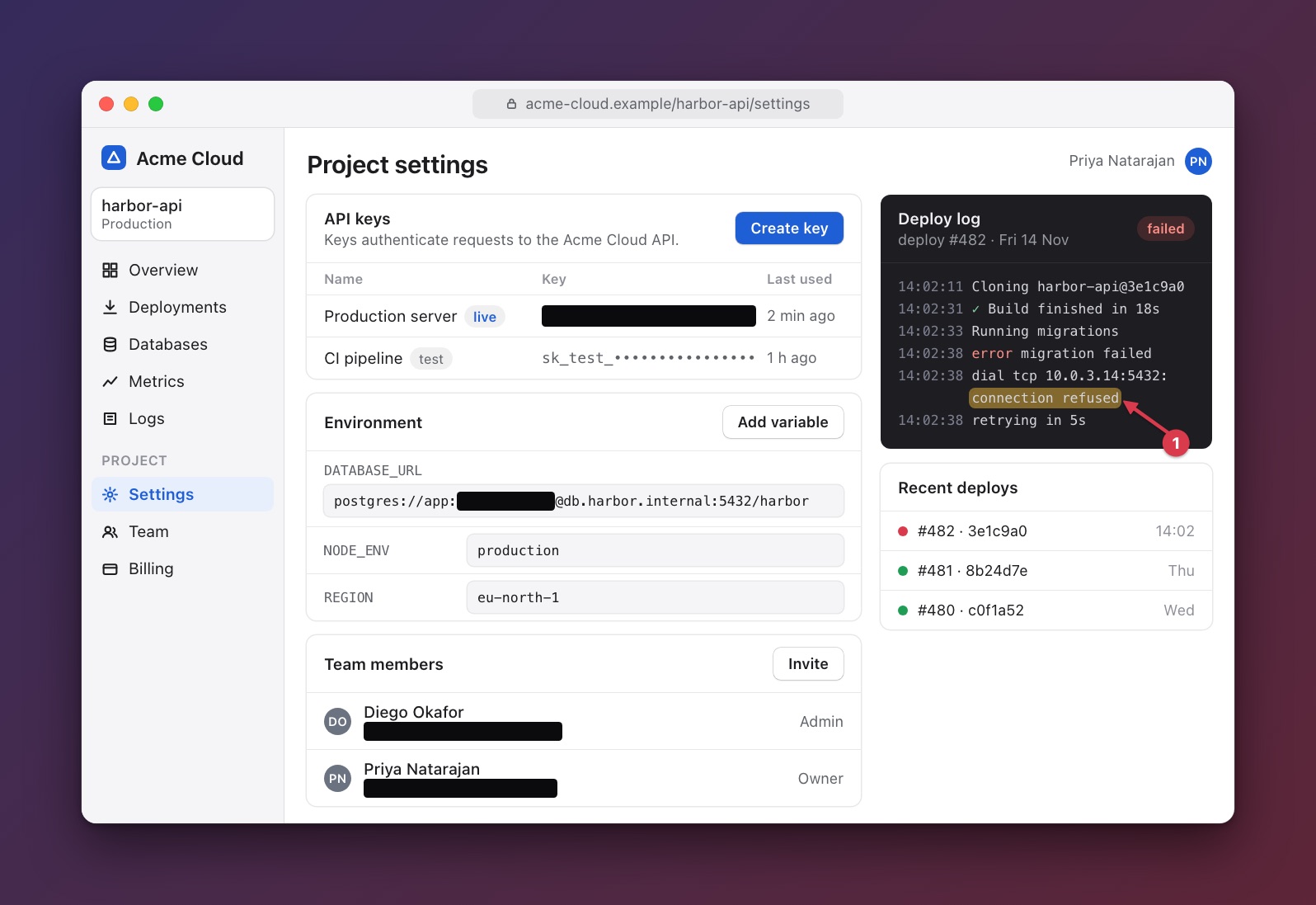
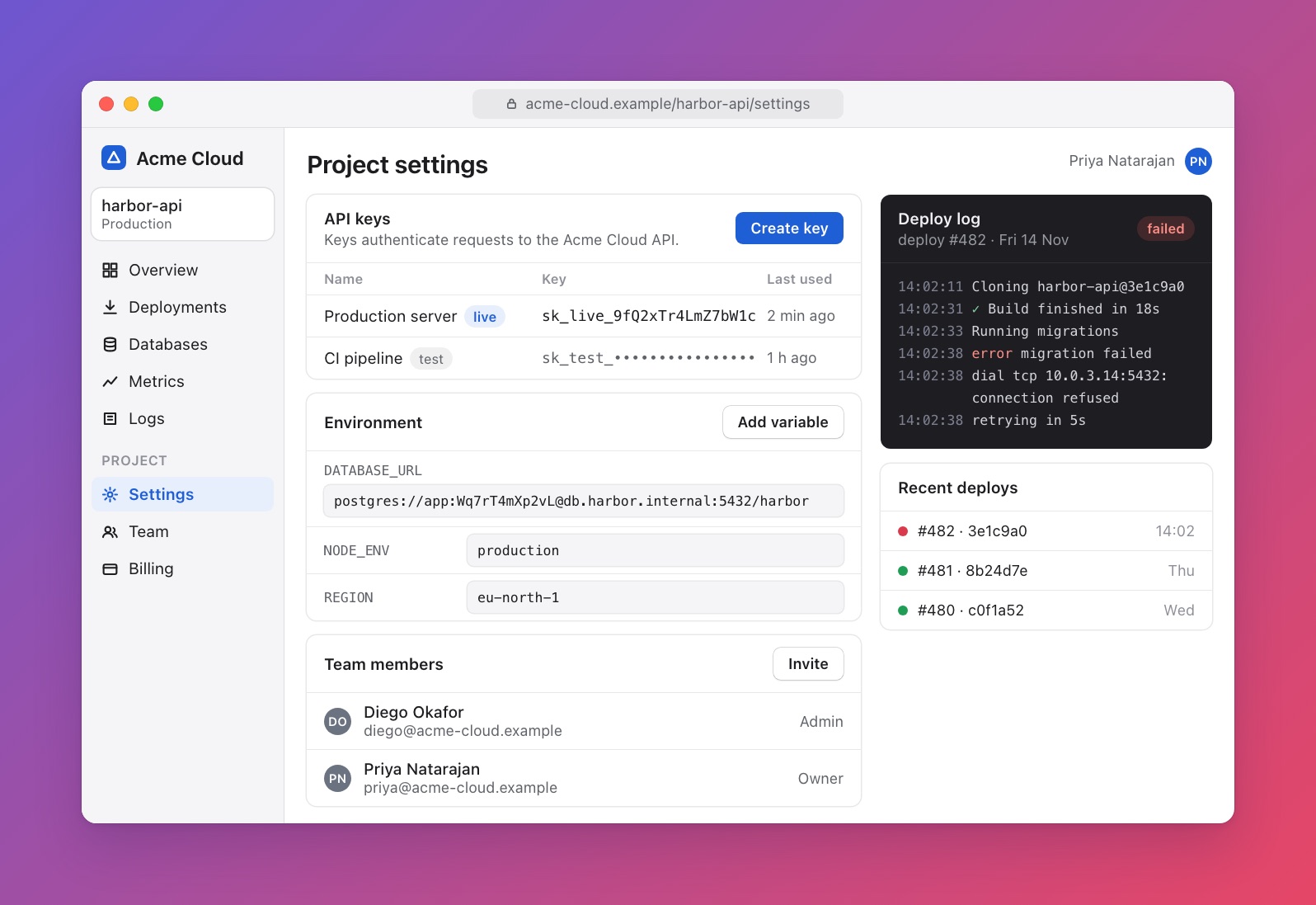
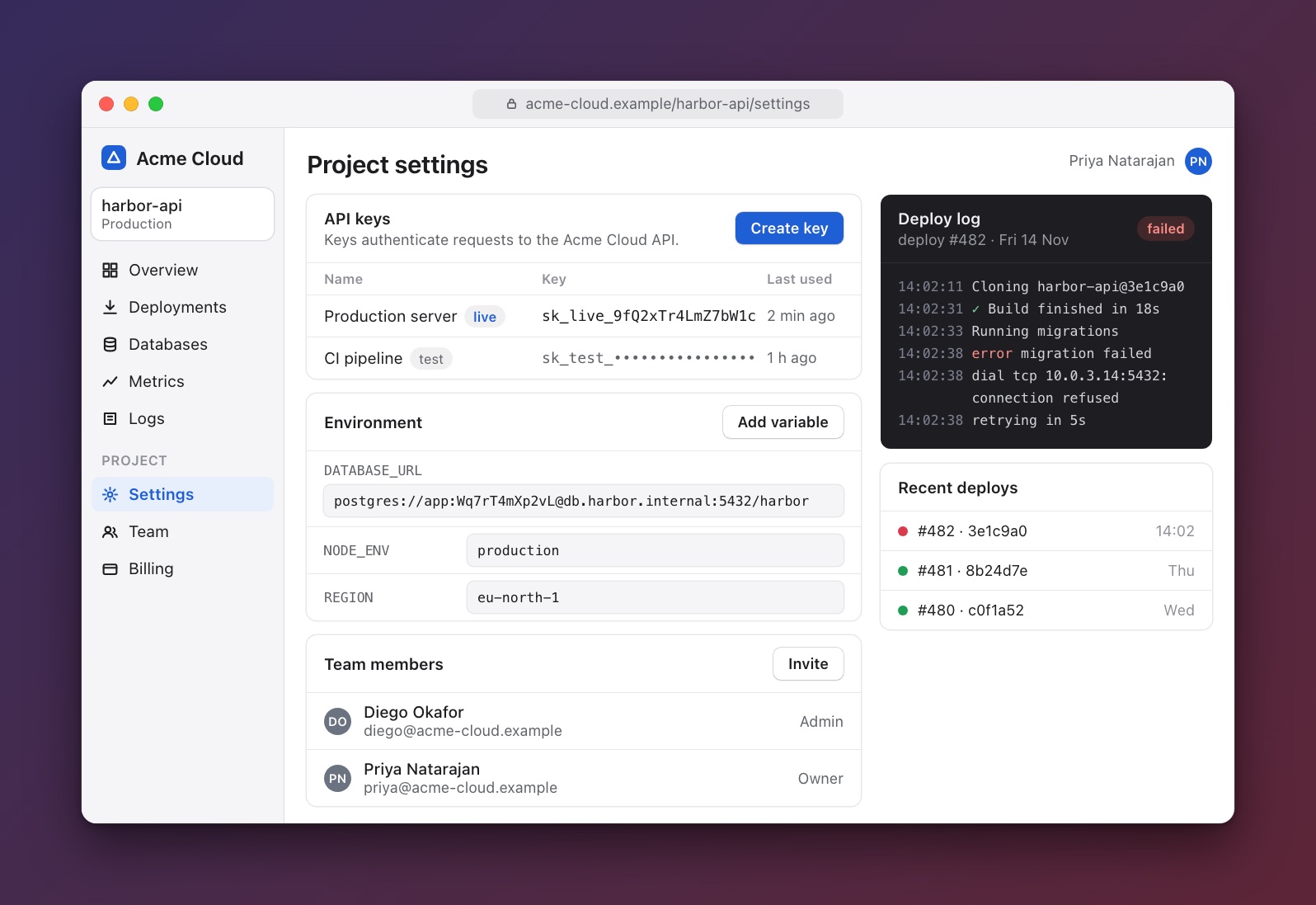
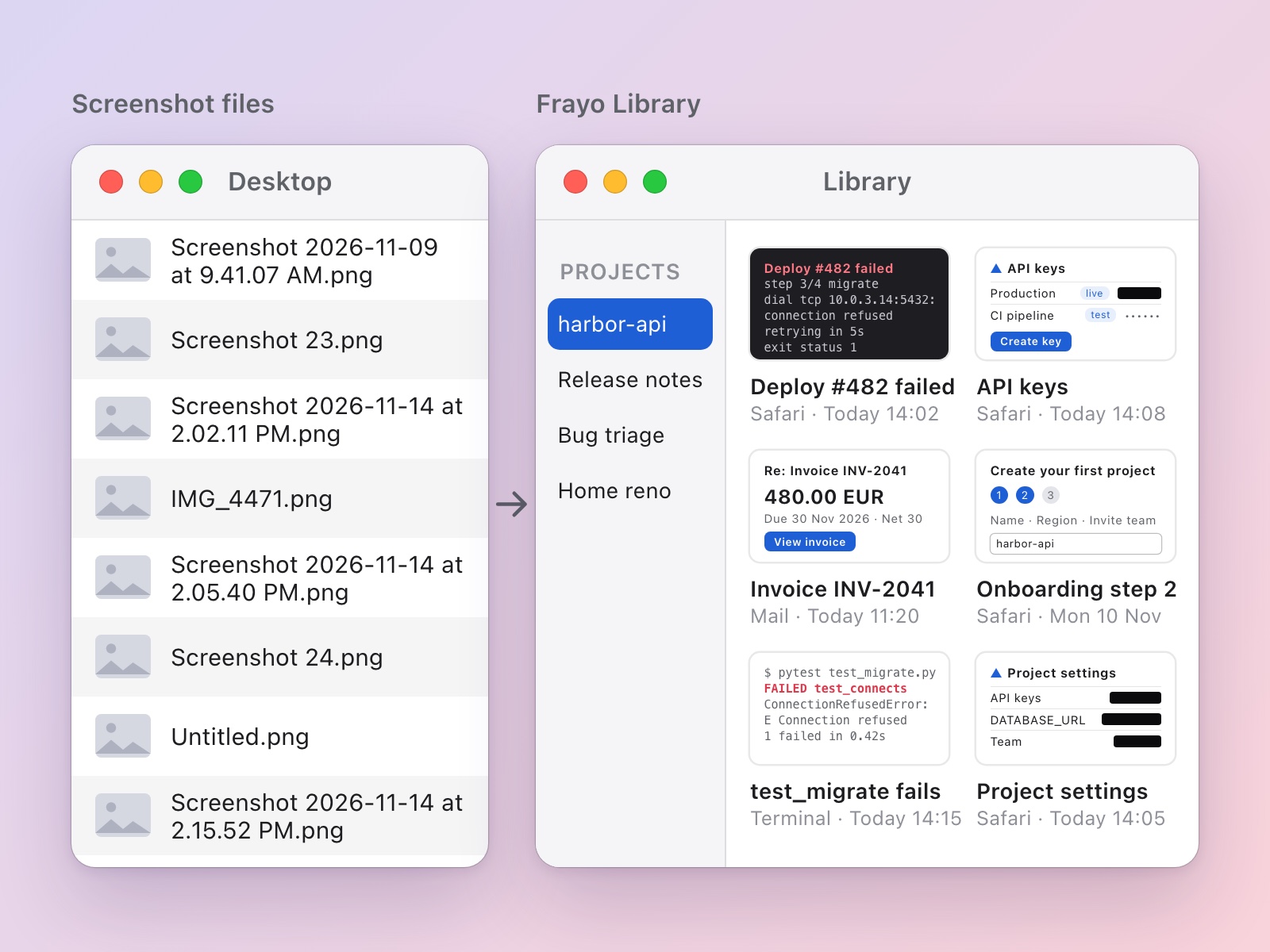
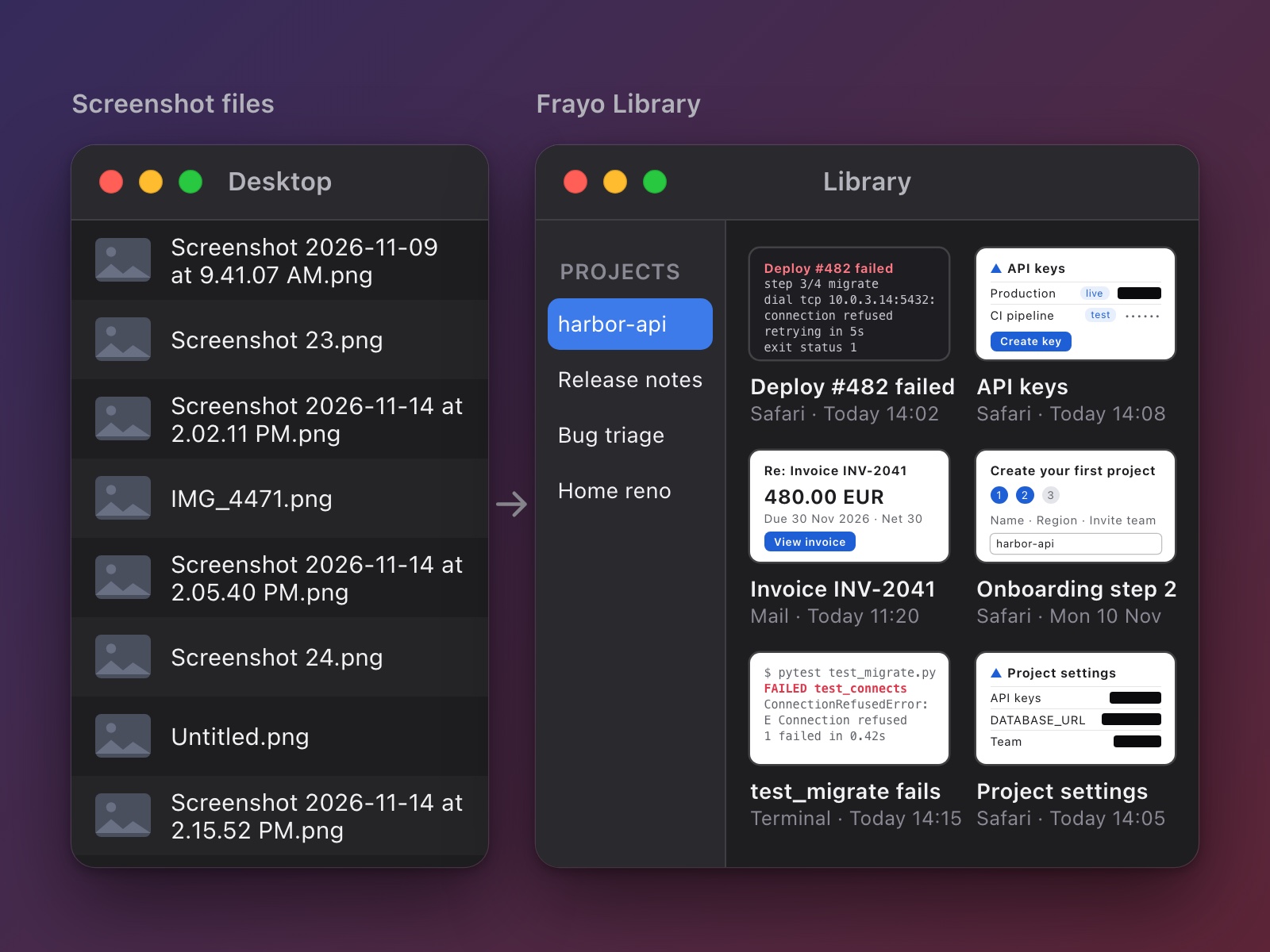
Captures are named from the app and window, grouped into projects you choose, and searchable by the words inside. Export Library saves the lot as one zip.
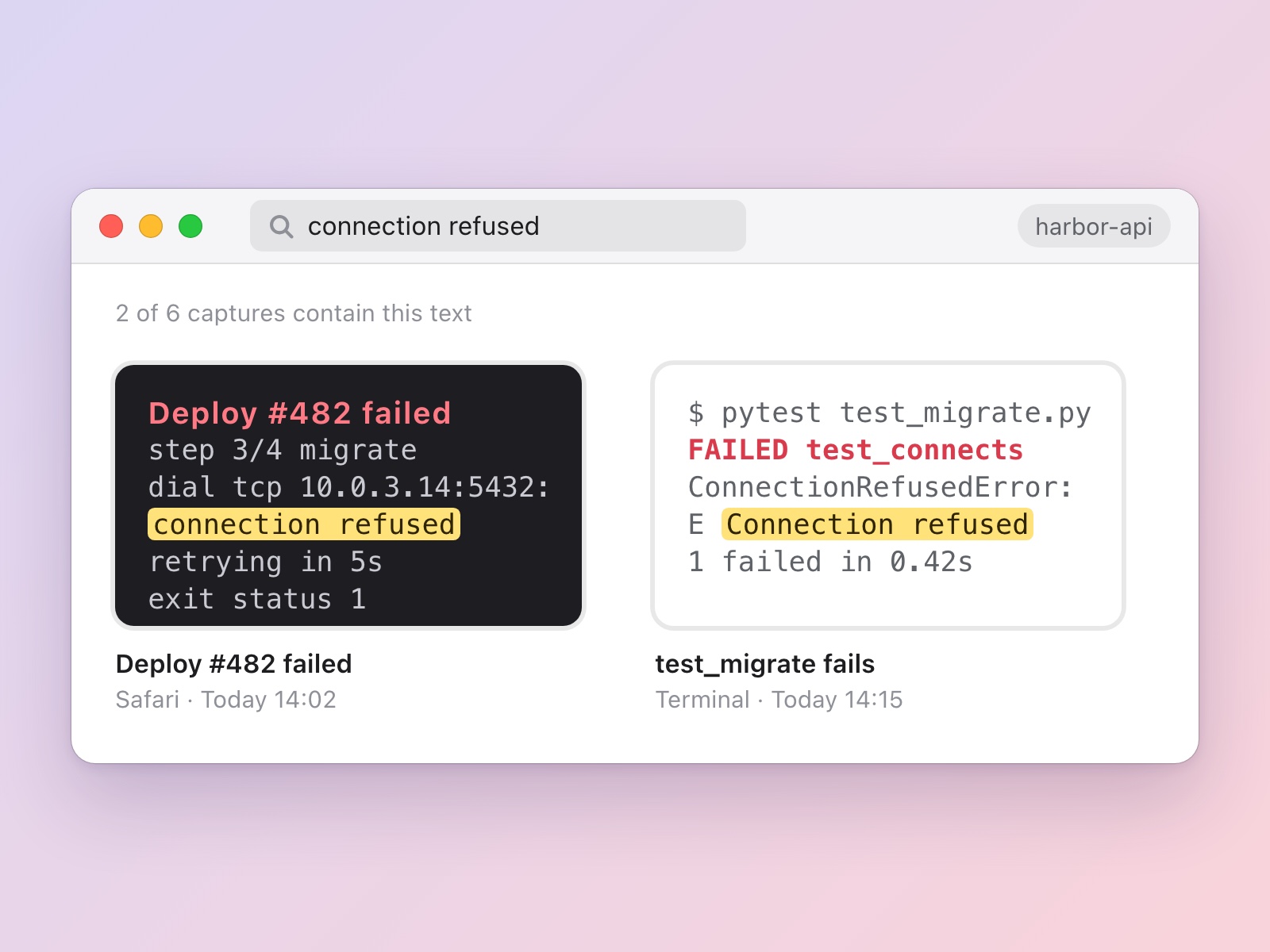
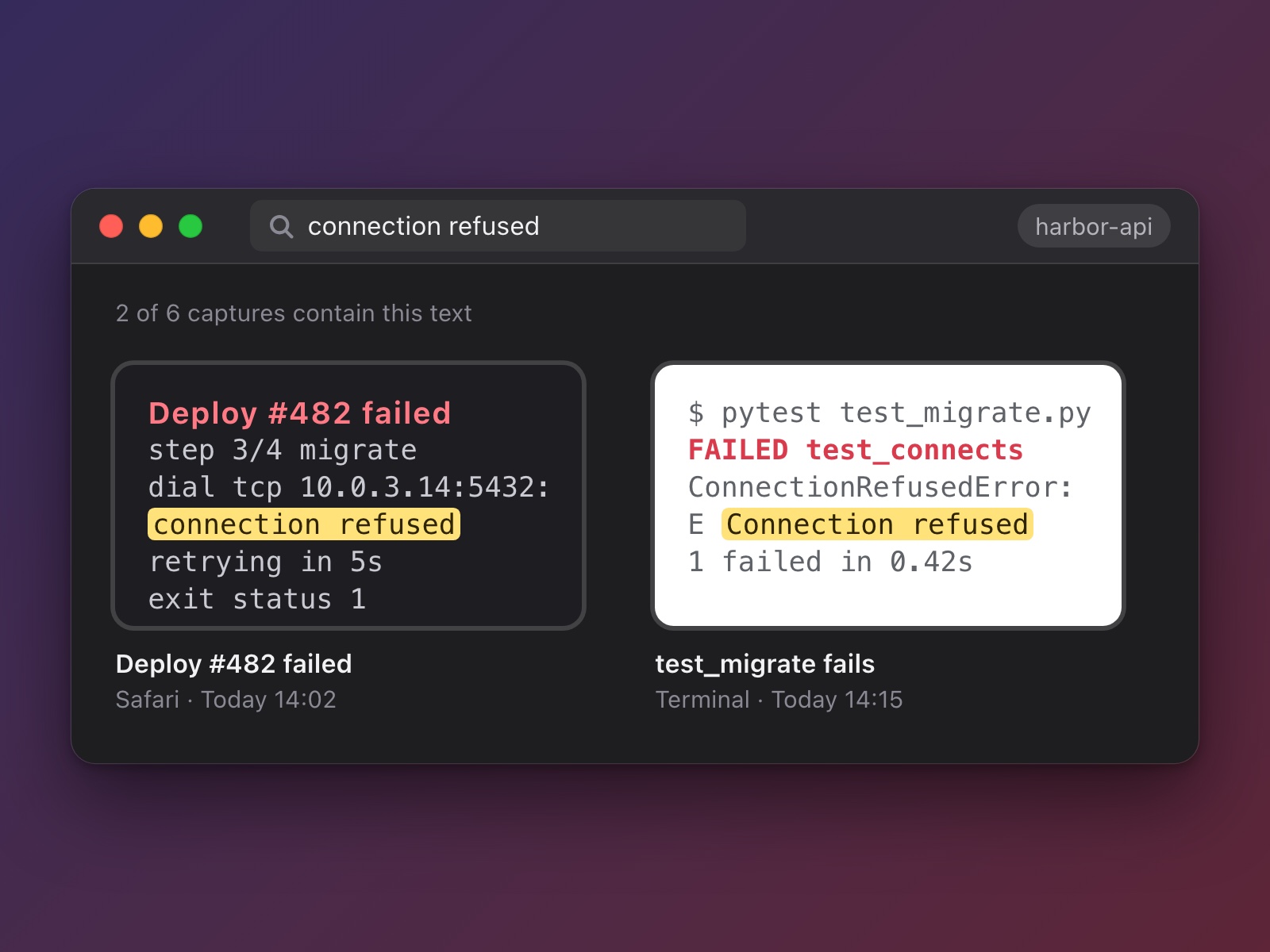
Type a word you remember, like an error message, and see every capture that contains it. Text is read on your Mac.
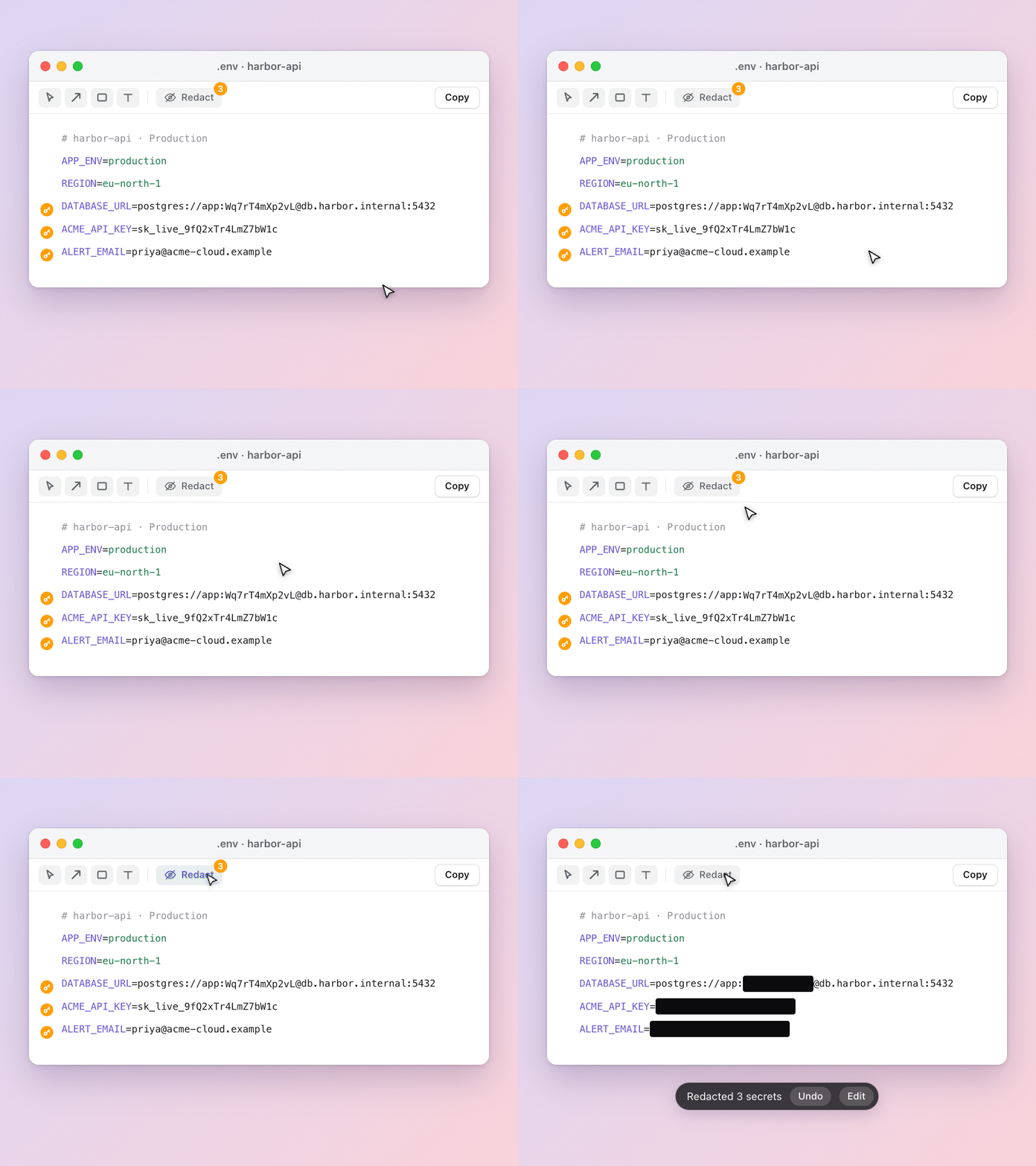
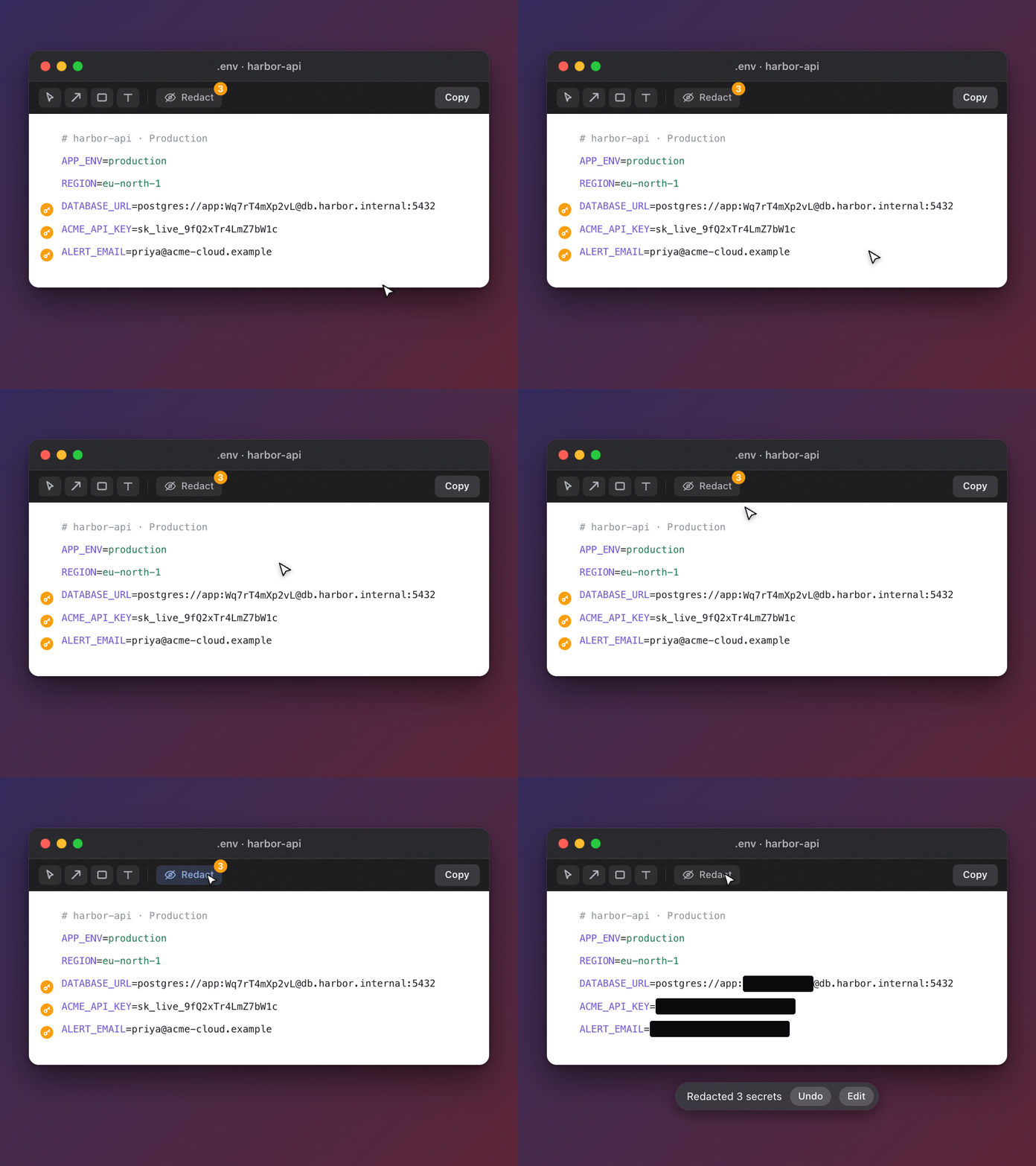
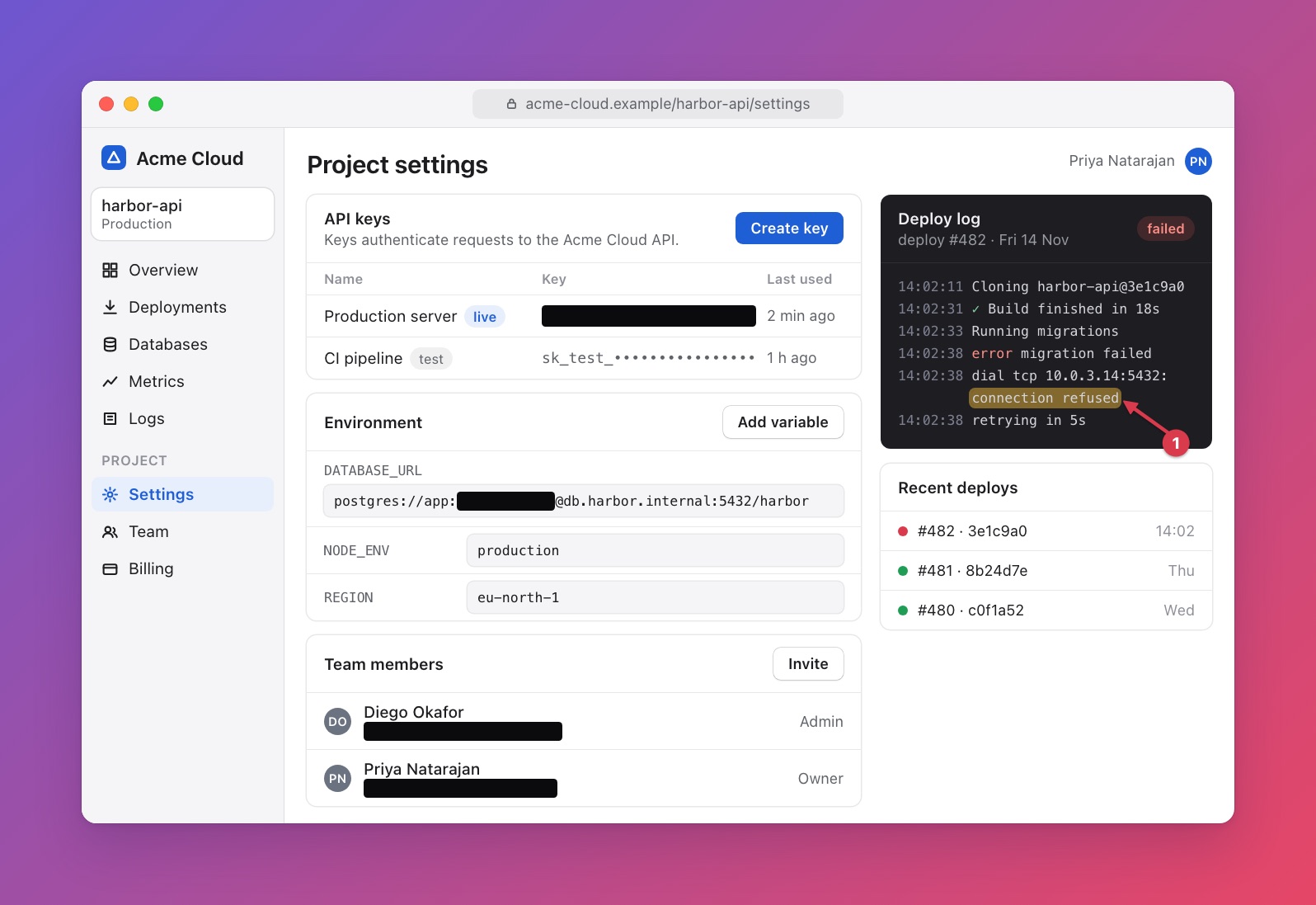
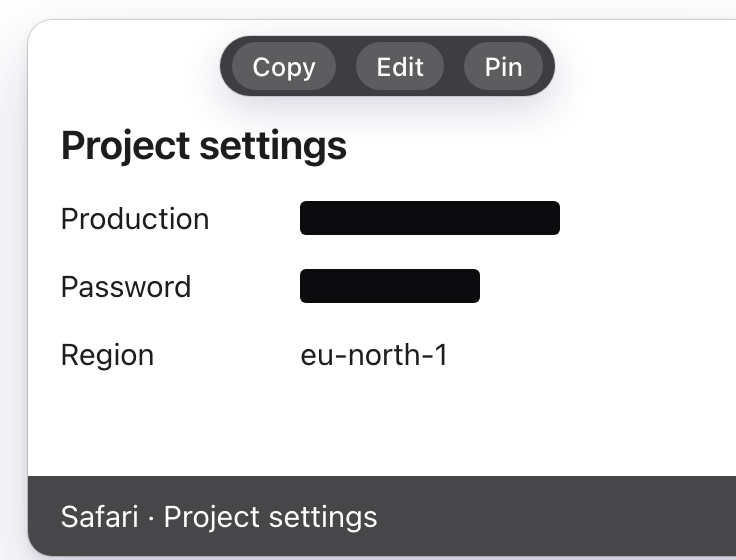
Keys and card numbers are covered by default before anything is copied or saved. For the rest, press Redact once and everything found is covered. Best effort, so check before you share. Screenshots only.
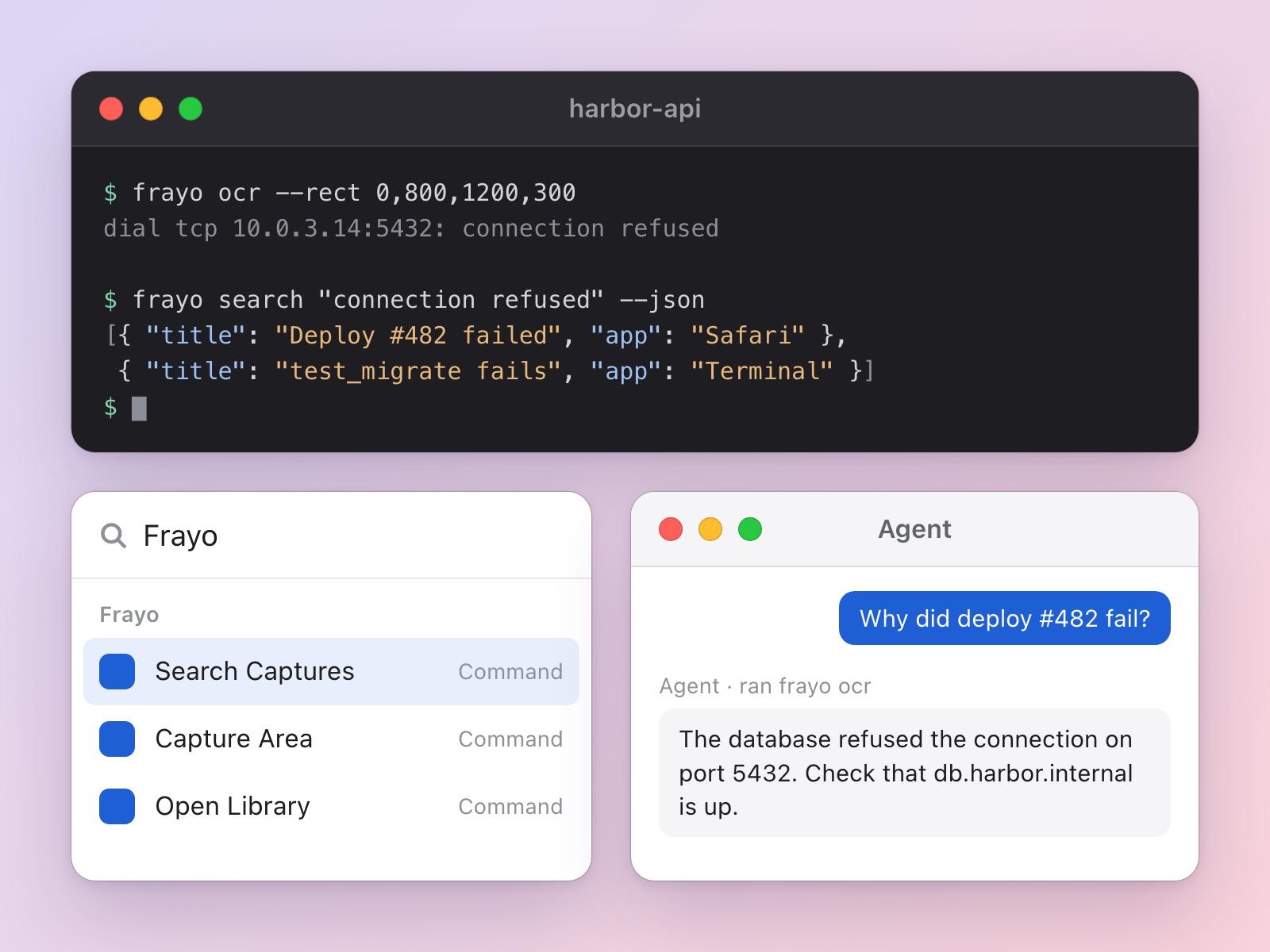
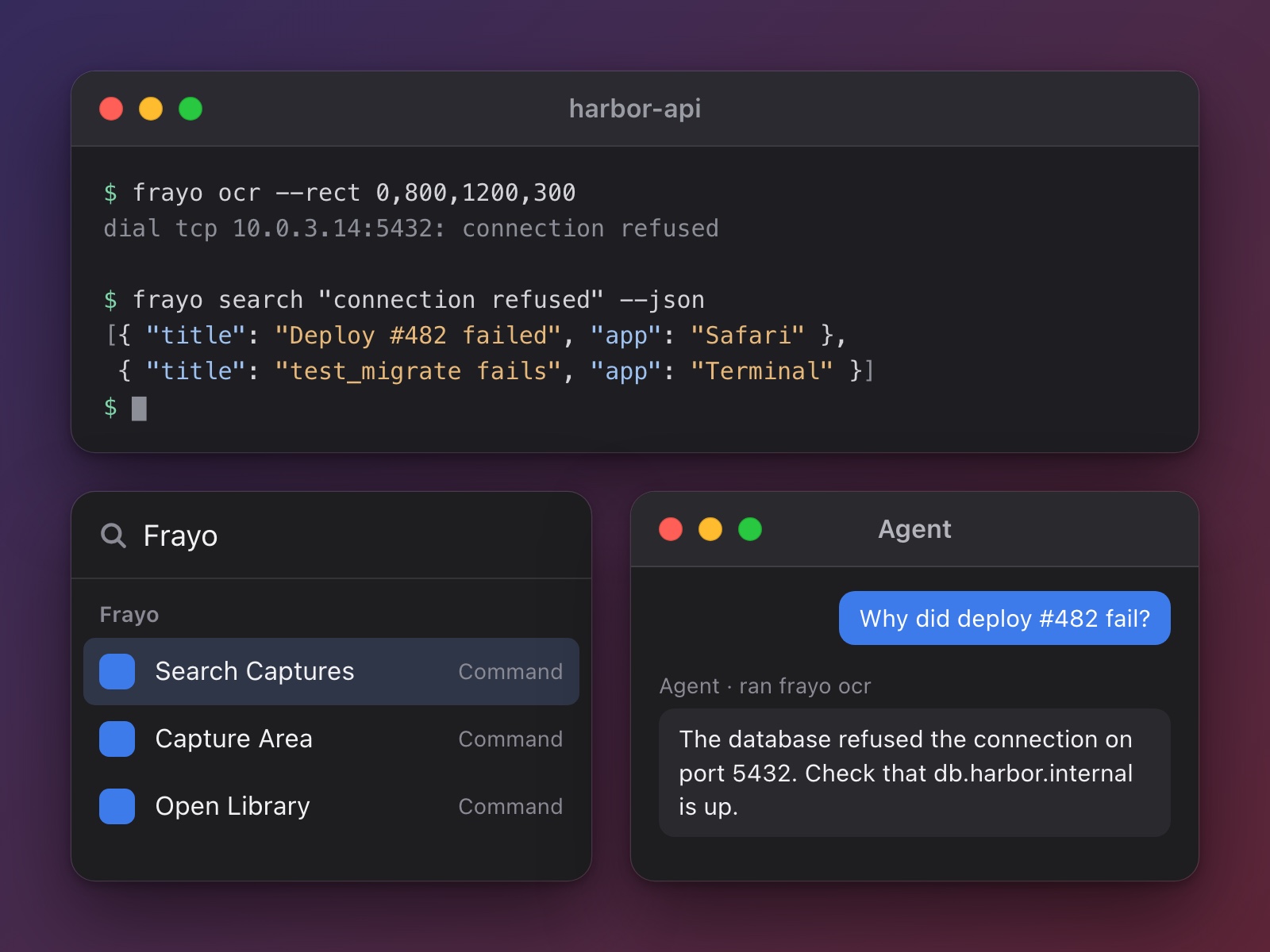
A command line for scripts, a skill for AI agents, frayo:// links, Apple Shortcuts actions and a Raycast extension that starts captures and searches your library. Off until you allow scripts.
One small app, every part of a screenshot's life.
An area, a window or the whole screen, with an optional self-timer.
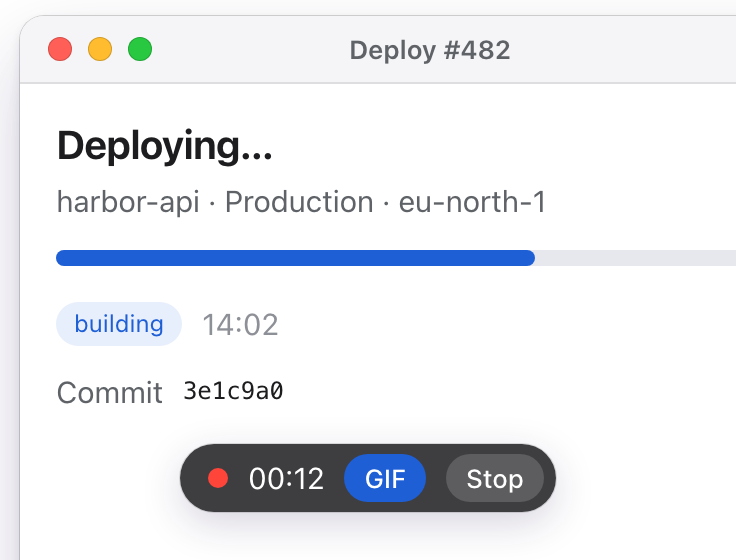
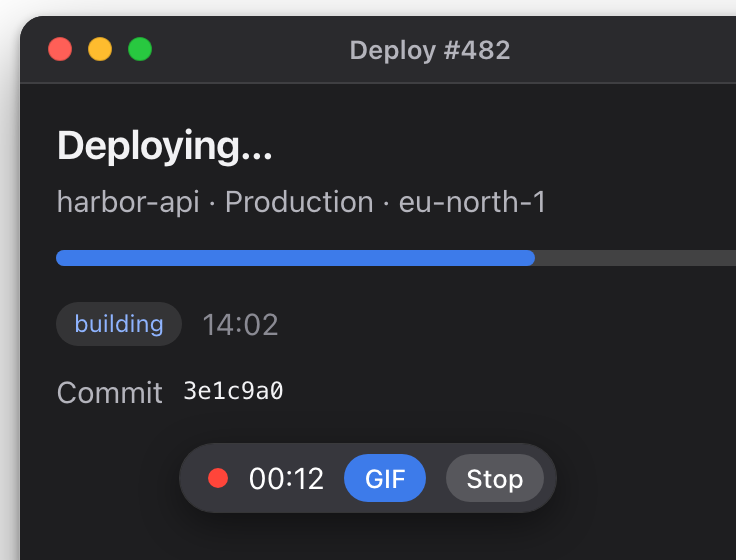
Record the screen as a video, or turn it into a GIF.
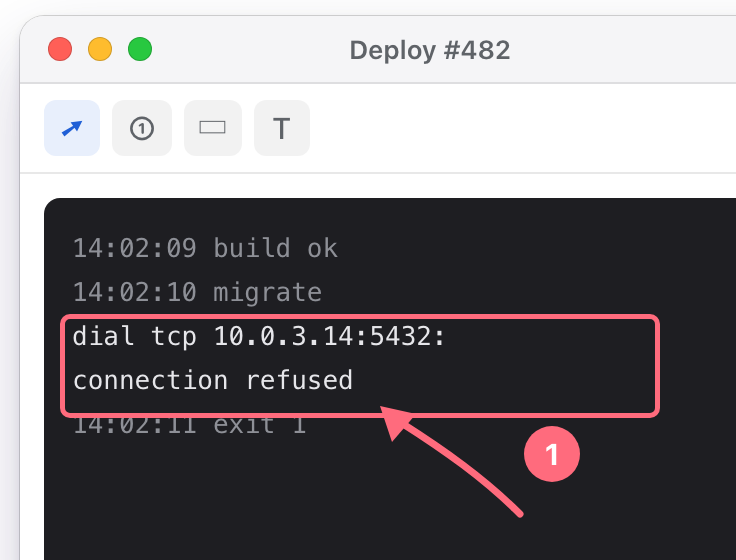
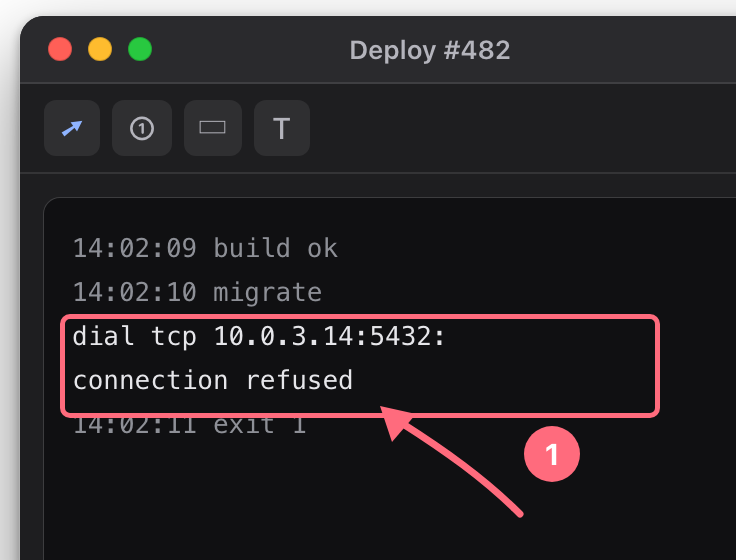
Arrows, counters, highlights, text, crop and pixelate.
Copy, drag, mark up or save from the thumbnail after every capture.
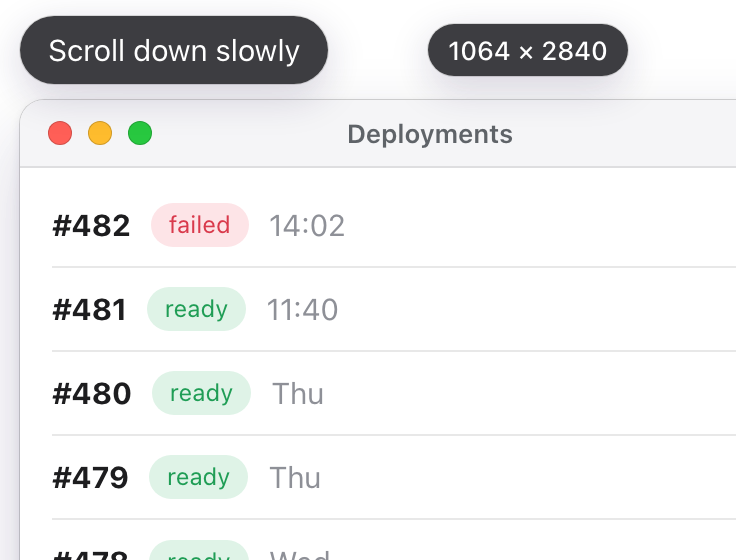
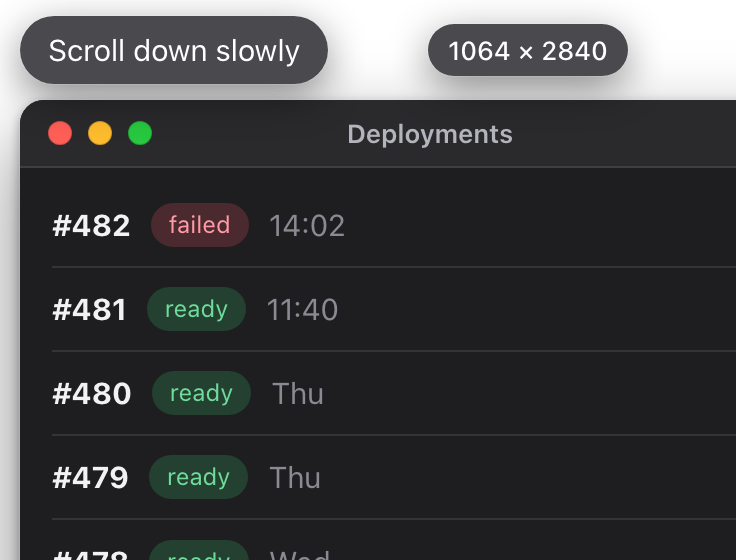
You scroll, Frayo stitches one tall image.
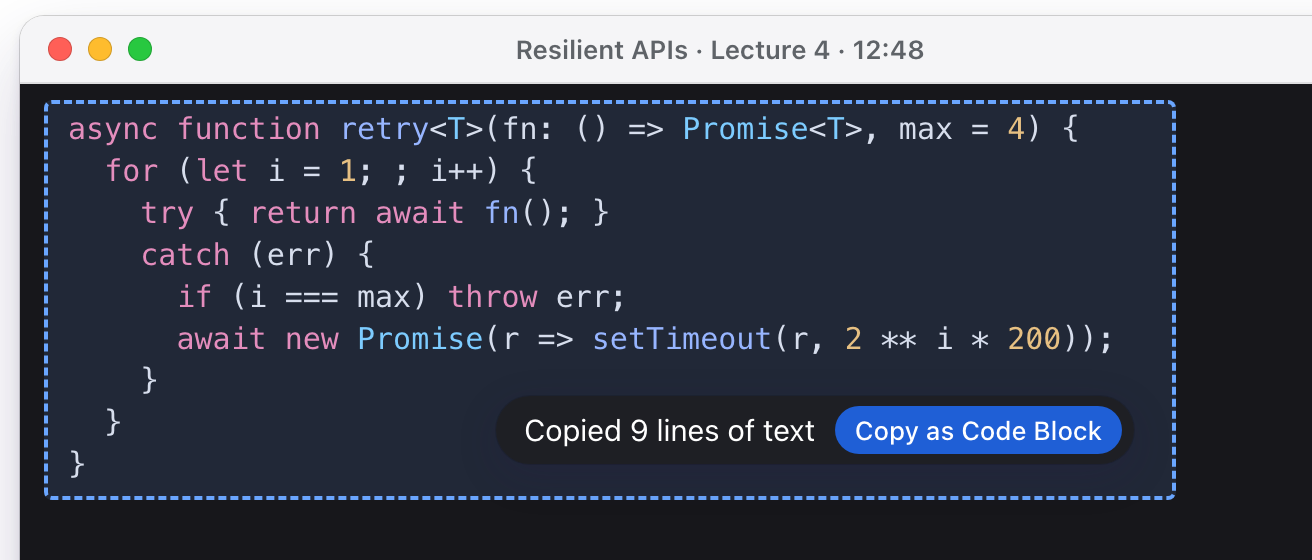
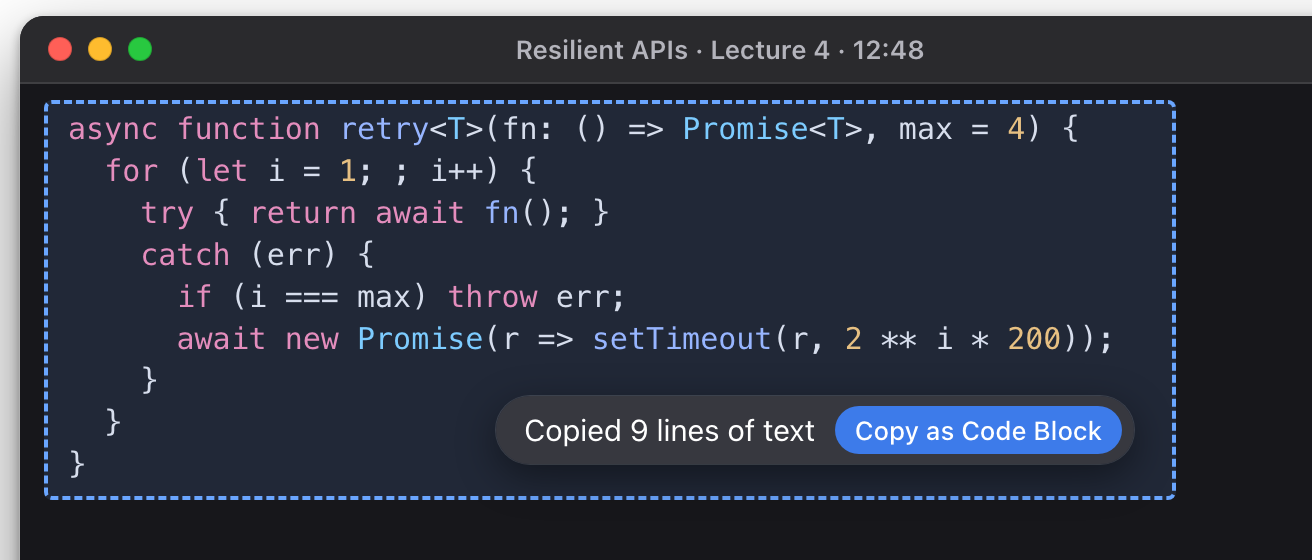
Pick code from an image and paste real text.
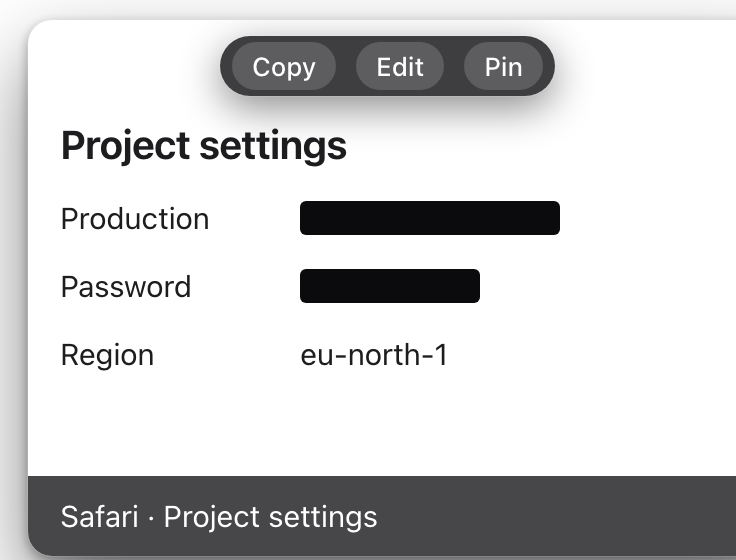
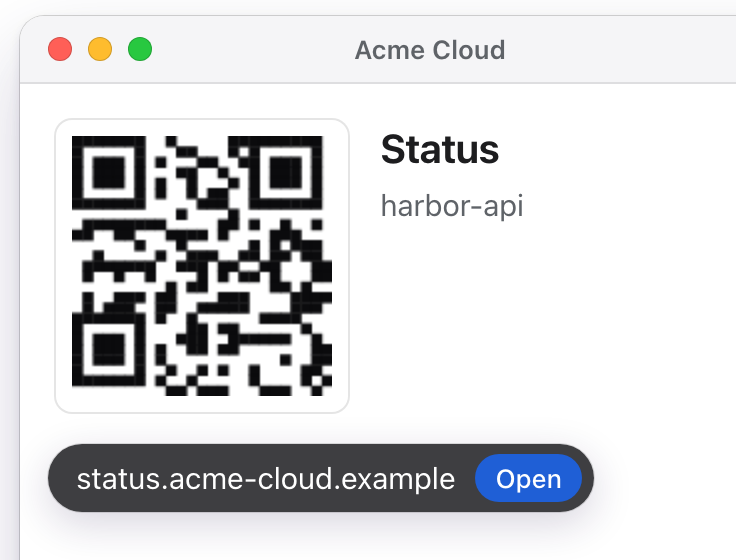
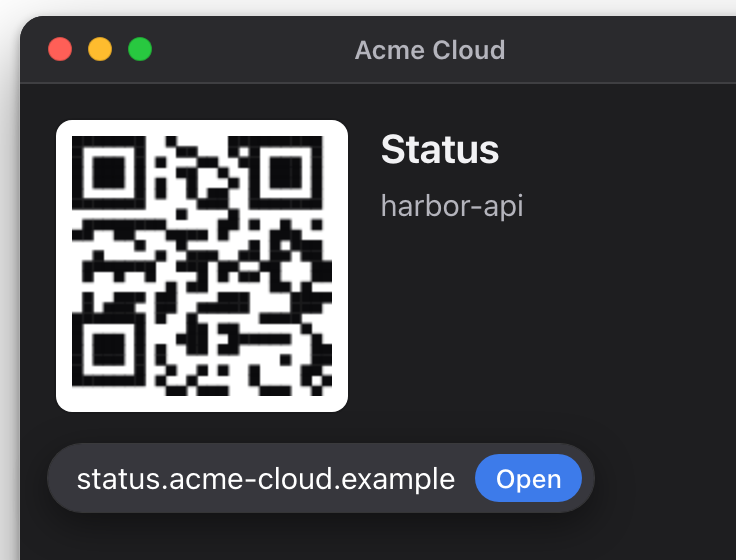
Links, mail, phone numbers and events open in one click.
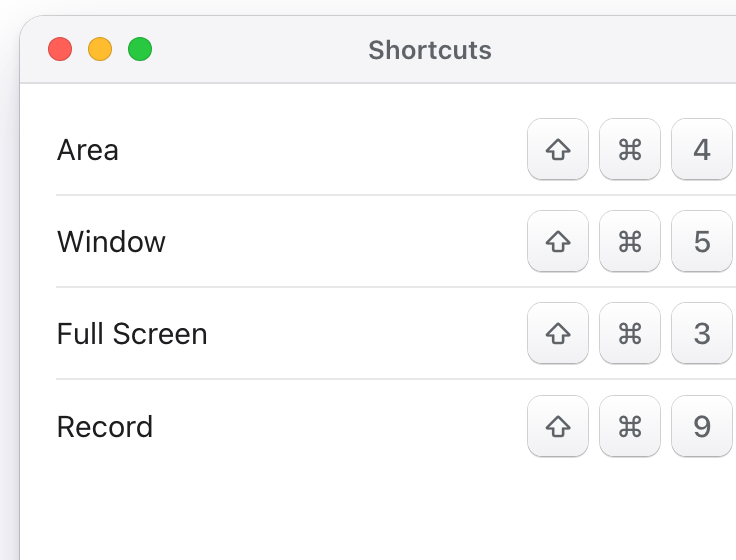
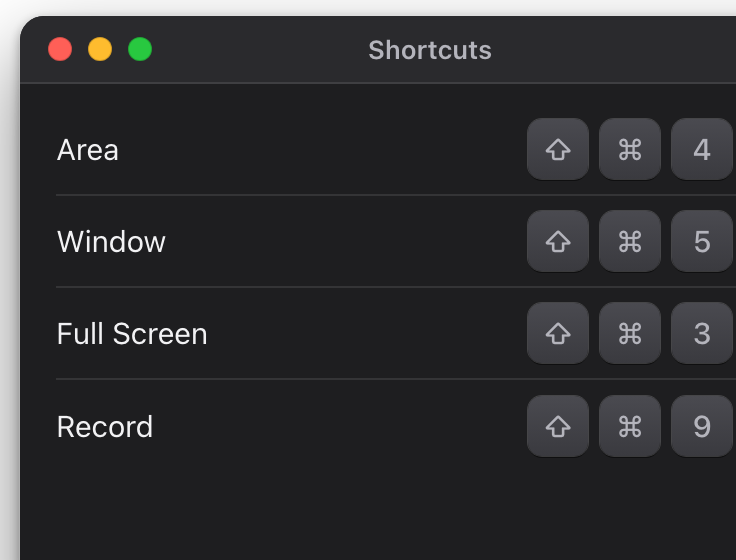
Every capture on a key you choose.
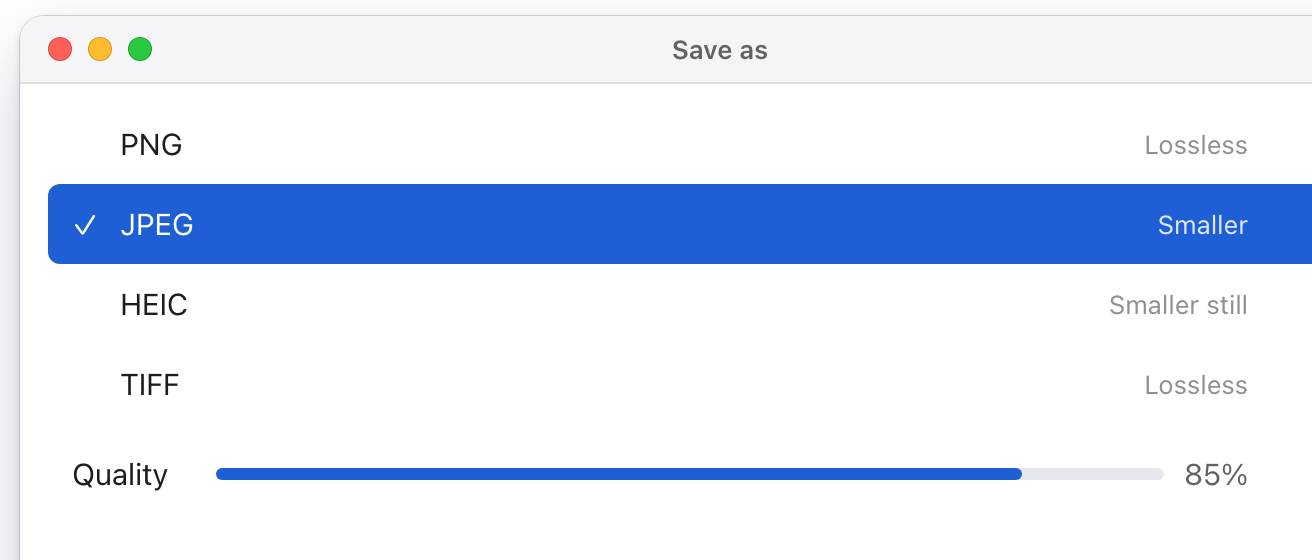
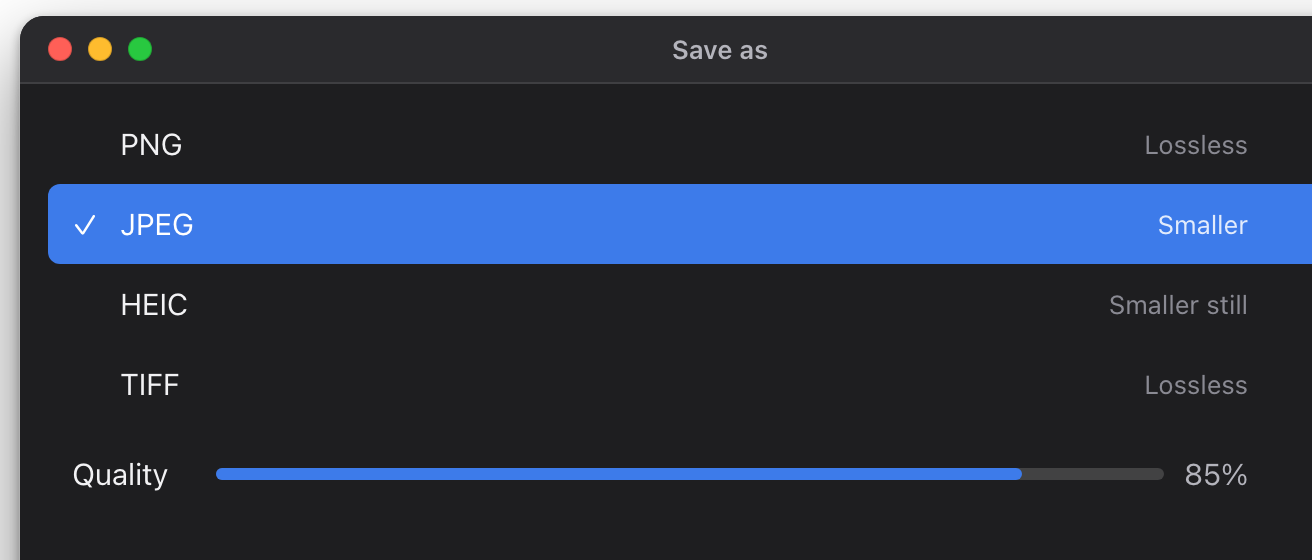
PNG, JPEG and more, to copy or to save.
And more:
Private beta: [email protected]